PMAY-G List 2026: Check Name Without Any Mistake
The PMAY-G list shows rural housing beneficiaries recorded under Pradhan Mantri Awaas Yojana-Gramin through the official Awaassoft reporting system. If your name appears in the village report, it means your details are available for verification or tracking under PMAY-G records. It does not always mean the house amount has already been released.
For a correct check, use only the official PMAY-G portal and match your state, district, block, gram panchayat, village, financial year, and beneficiary name carefully.
How to Check PMAY-G List 2026 by Village
Step 1: Open the Official PMAY-G Website
Go to the official PMAY-G website and open the Awaassoft section. From there, choose Report. This opens the PMAY-G reporting dashboard used for beneficiary, progress, financial, SECC, and social audit records.
Step 2: Open Beneficiary Details for Verification
On the report page, find Social Audit Reports and select Beneficiary Details for Verification. This report is useful because it allows users to check village-level beneficiary details without depending on random third-party pages.
Step 3: Select Your Location Correctly
Choose your state, district, block, gram panchayat, and village. Then select the latest available financial year shown on the portal. Enter the captcha and submit the form.
If the page does not load, try again after some time. Government report pages may be slow during high traffic.
Details You Should Match Before Trusting the Result
Check These Fields Carefully
Do not confirm your PMAY-G status by name alone. Many villages have people with similar names. Match the beneficiary name with the father’s or husband’s name, village, panchayat, registration details, sanction status, and installment information where available.
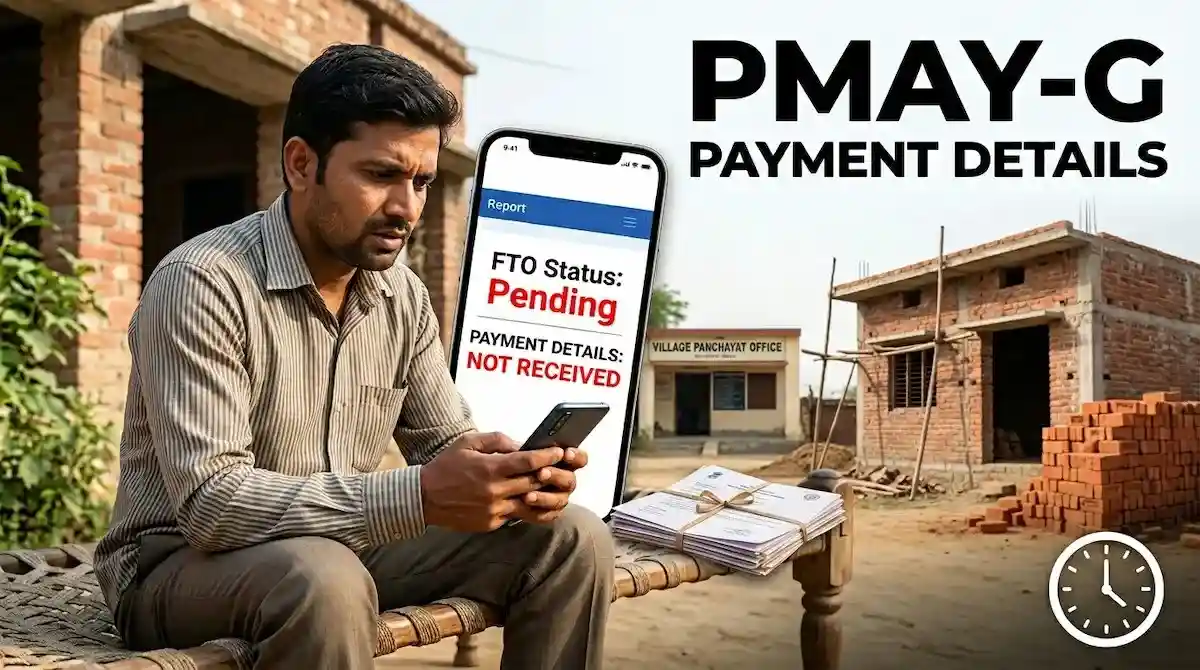
If your name appears but payment is not visible, check the installment details or FTO tracking section separately. Beneficiary listing, sanction, account verification, fund transfer order, and bank payment are different stages.
What If Your Name Is Not in the Village List?
If your name is missing, first check whether you selected the correct panchayat and financial year. Also verify spelling differences in your name. If the details still do not appear, contact your Gram Panchayat, Block Development Office, or rural housing official with your registration number, Aadhaar-linked details, and application information.
Do not pay anyone for adding your name. PMAY-G beneficiary verification is handled through official records, Gram Sabha verification, and government reporting systems.
Quick Safety Note
Use the official PMAY-G portal for checking your village list. Avoid websites or agents asking for OTP, bank PIN, or payment to “approve” your PMAY-G house.